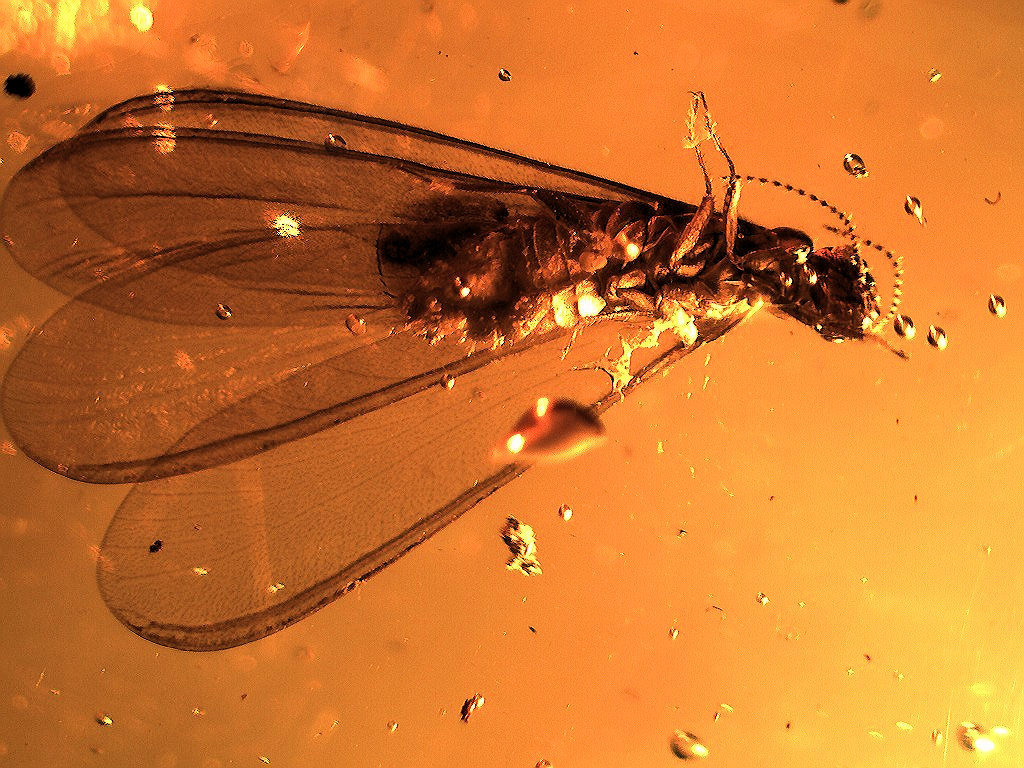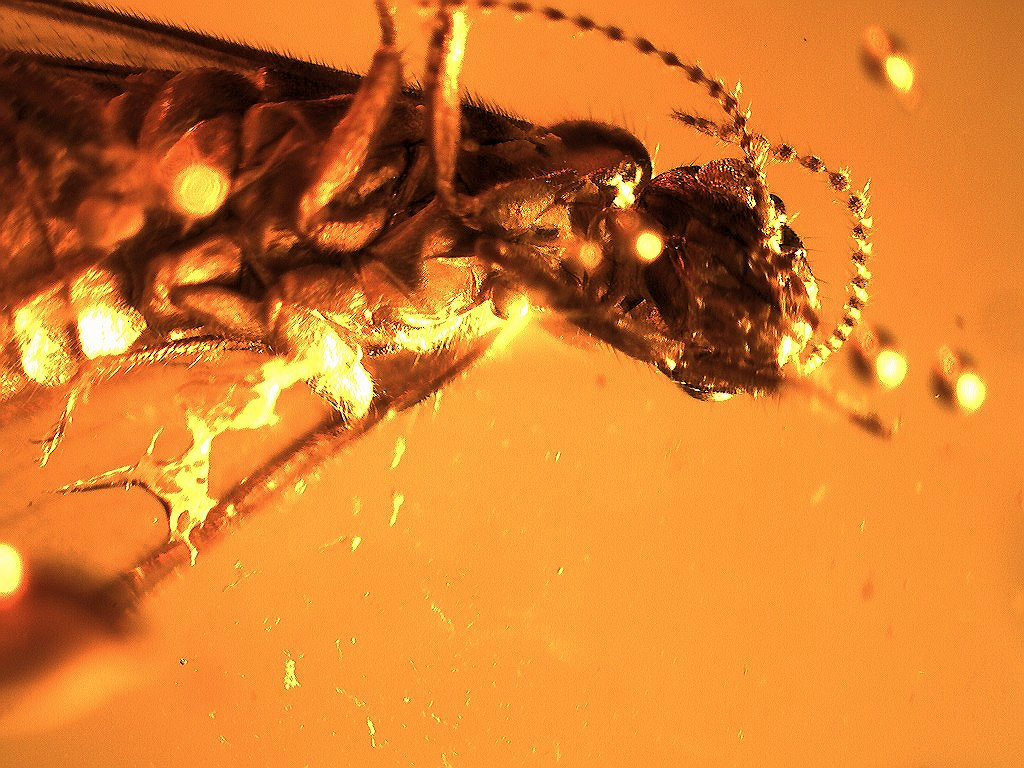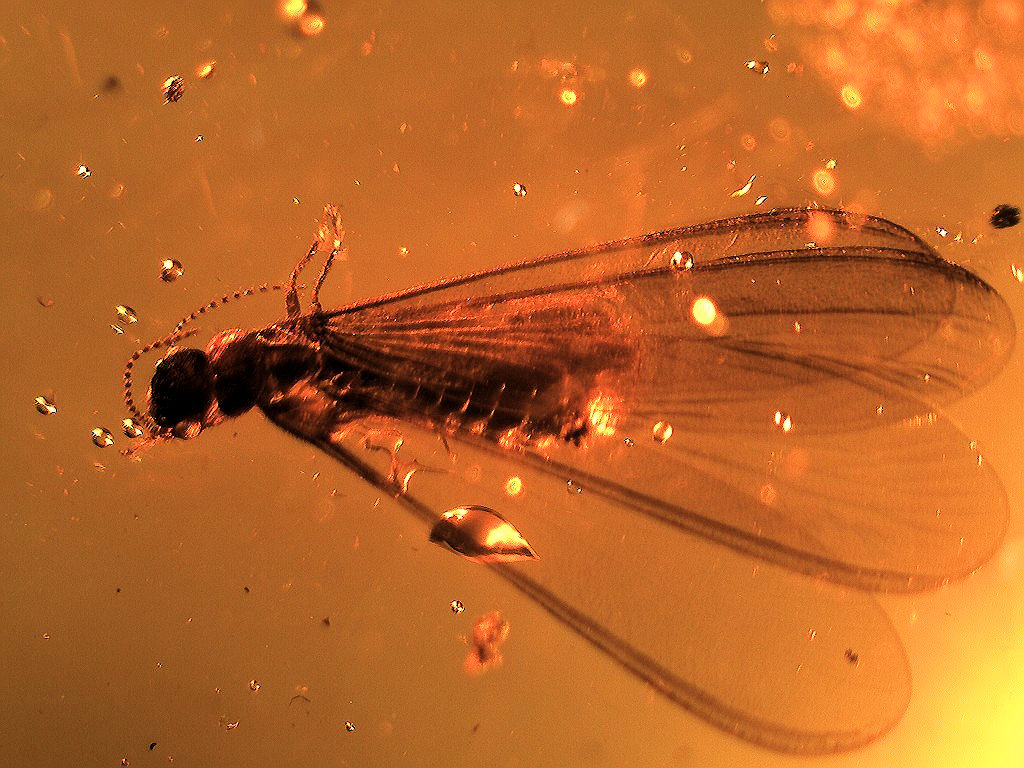

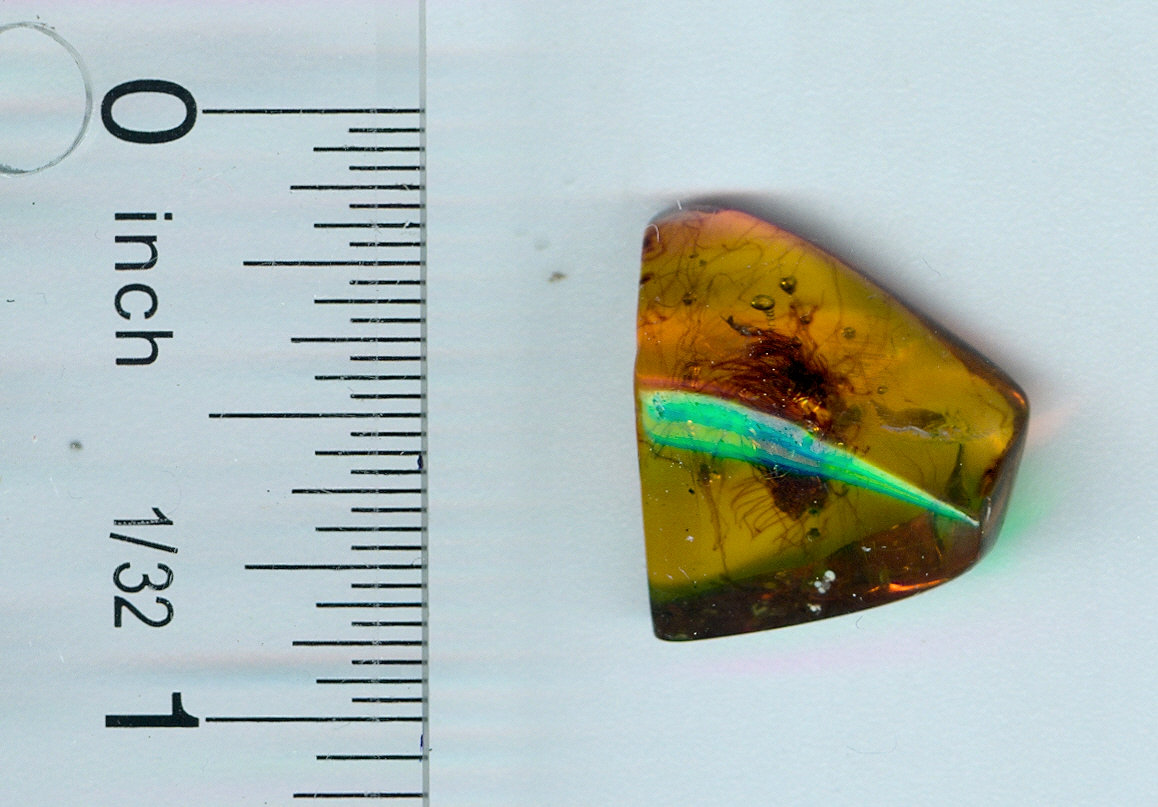

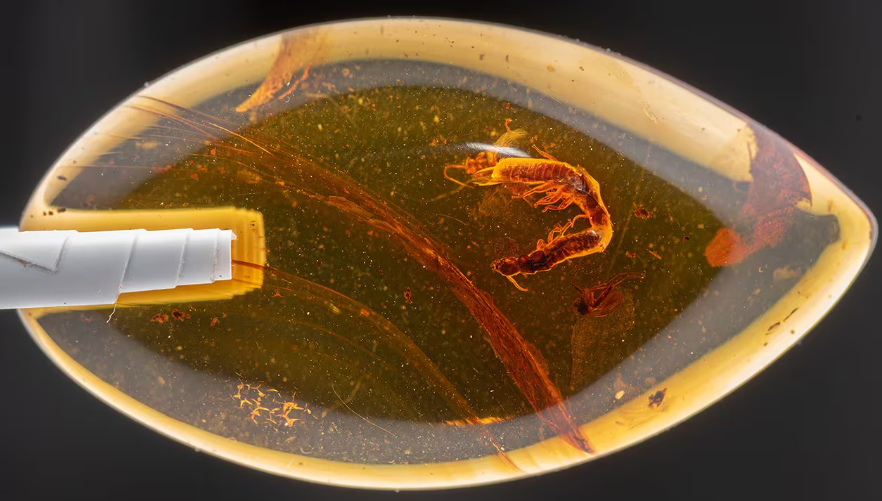
Queen Ant - This is a good sized piece of amber with the fabled queen ant. Queen ants are very rare and seldom seen.
This is a queen, winged, which means it's either before mating or just after. Fertilized ant females shed their wings and start a colony (becoming a true queen). Generally, only queens and drones (males) can have wings, and when you find one with a big, thick body (thorax and abdomen), it's a queen. This gal is almost 1/2 inch in length. There re also a host of other animals in this amber, bees, wasps, what looks like a caddis fly and others.
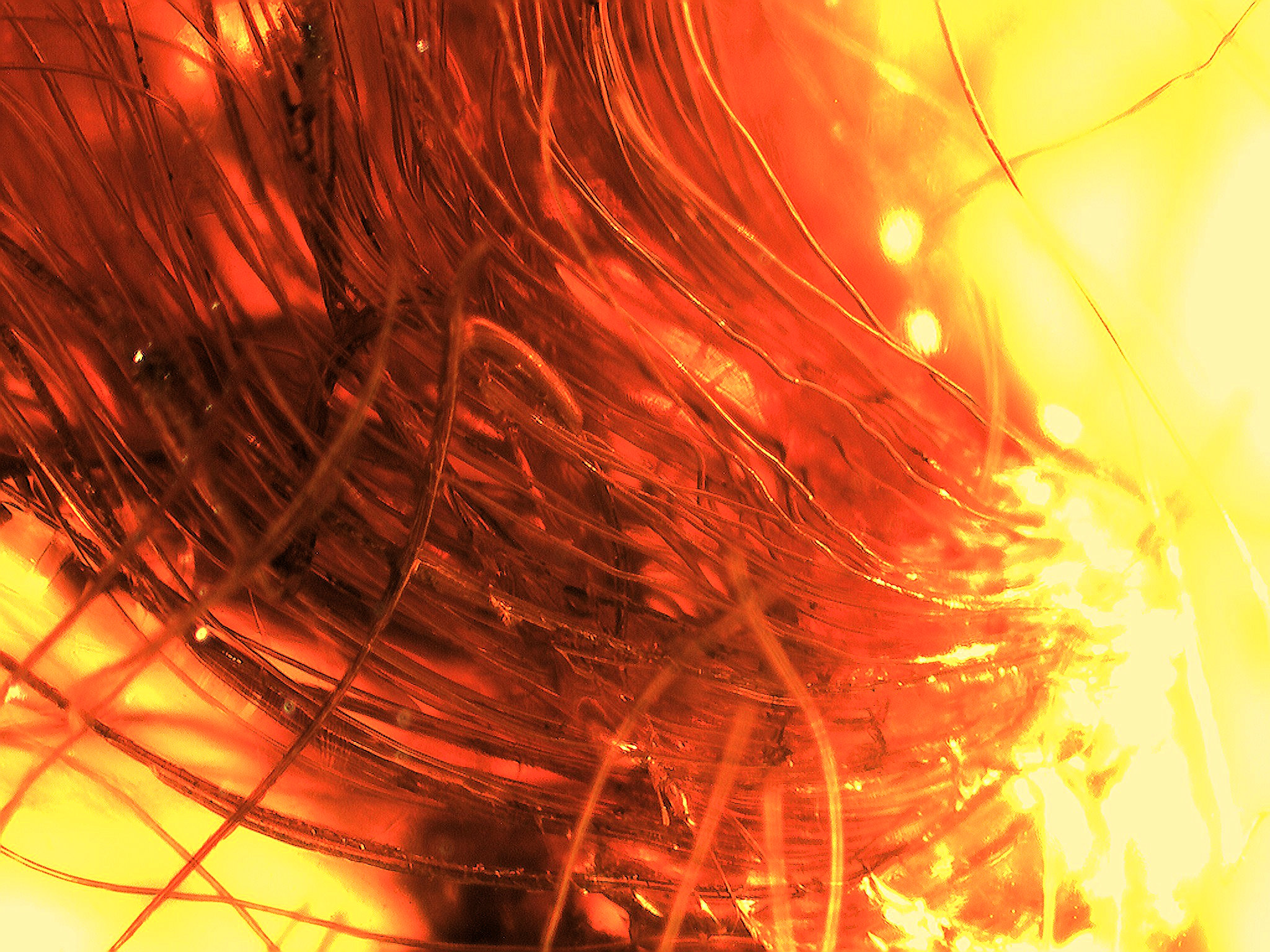
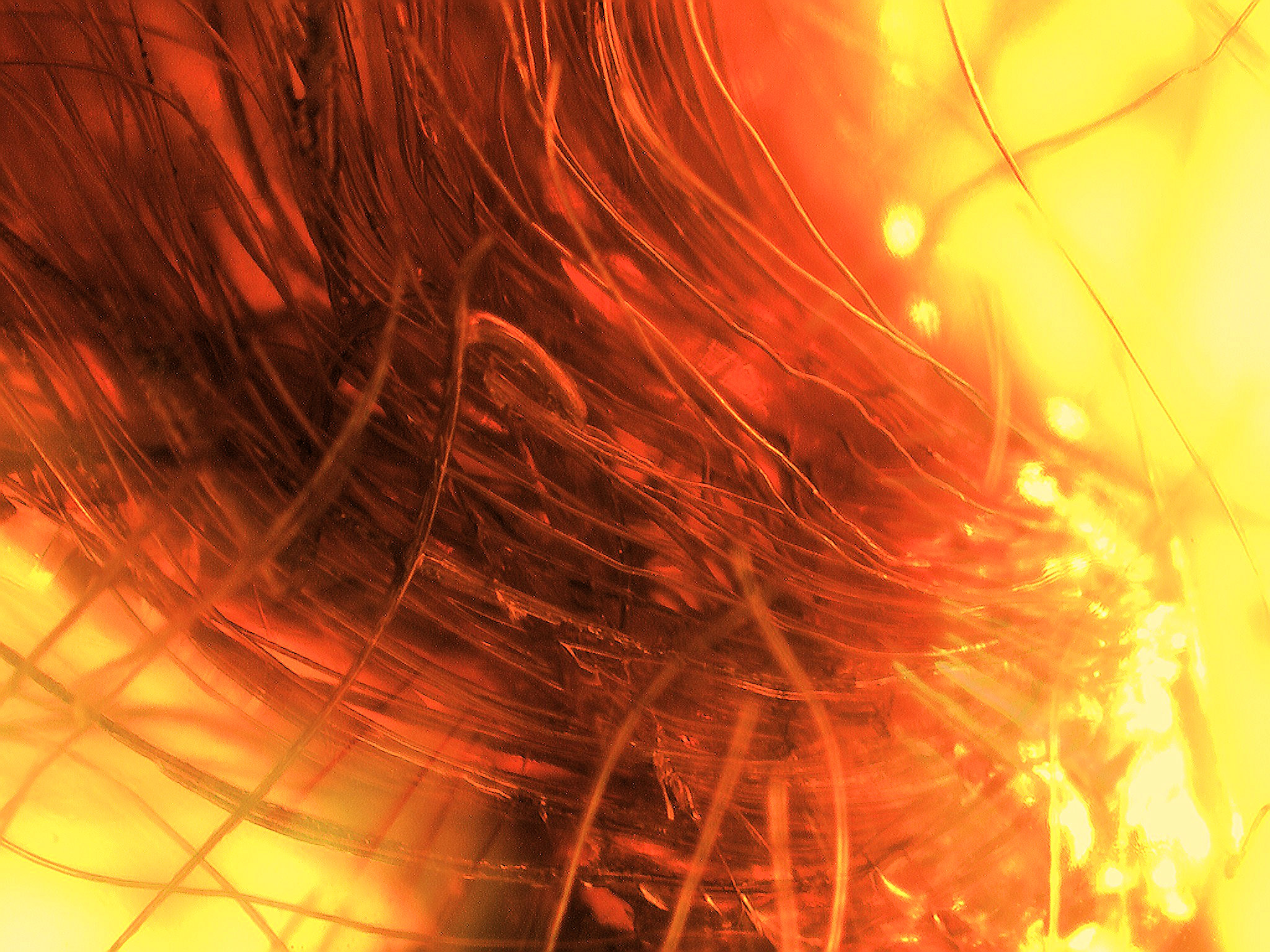
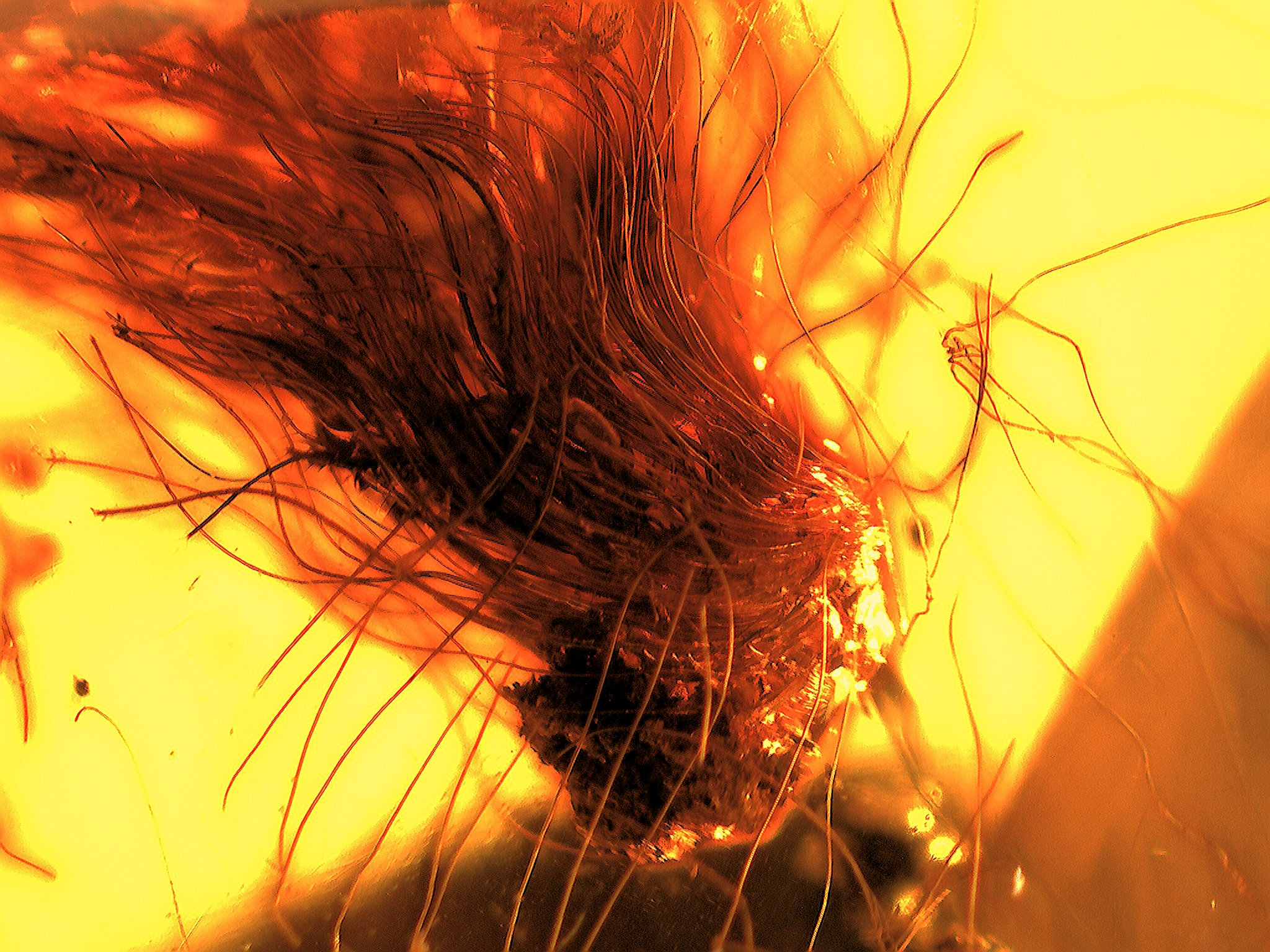
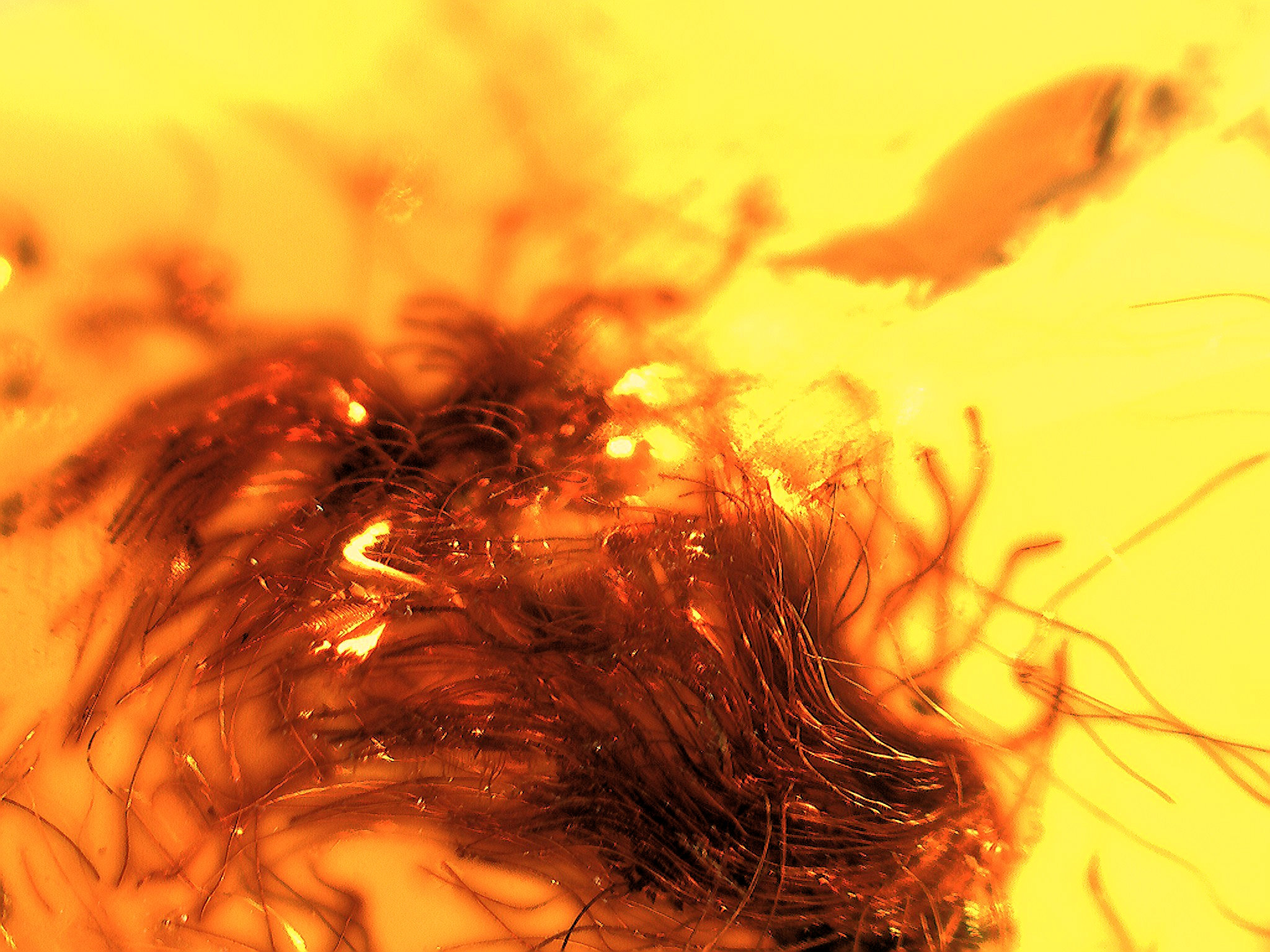
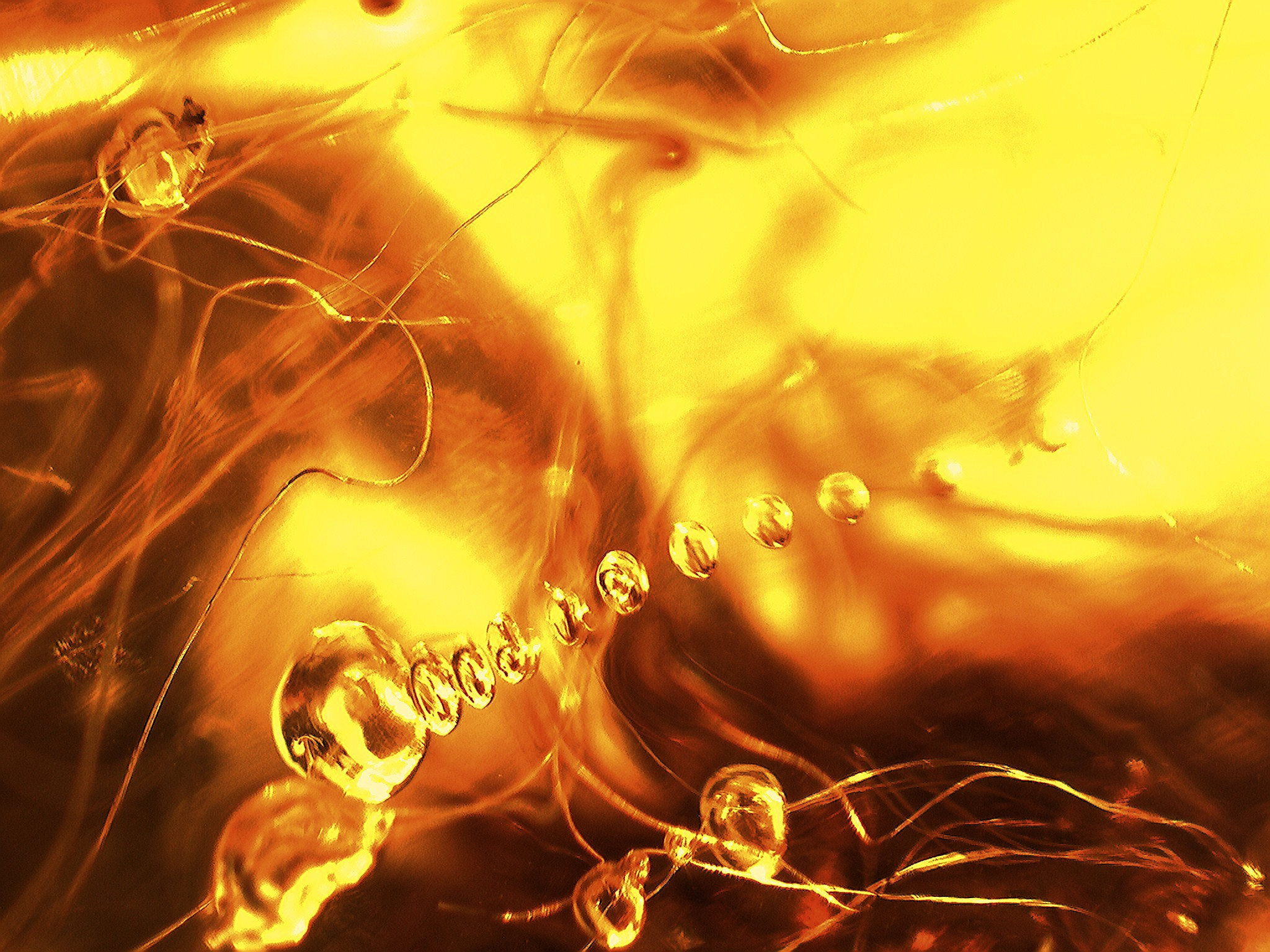
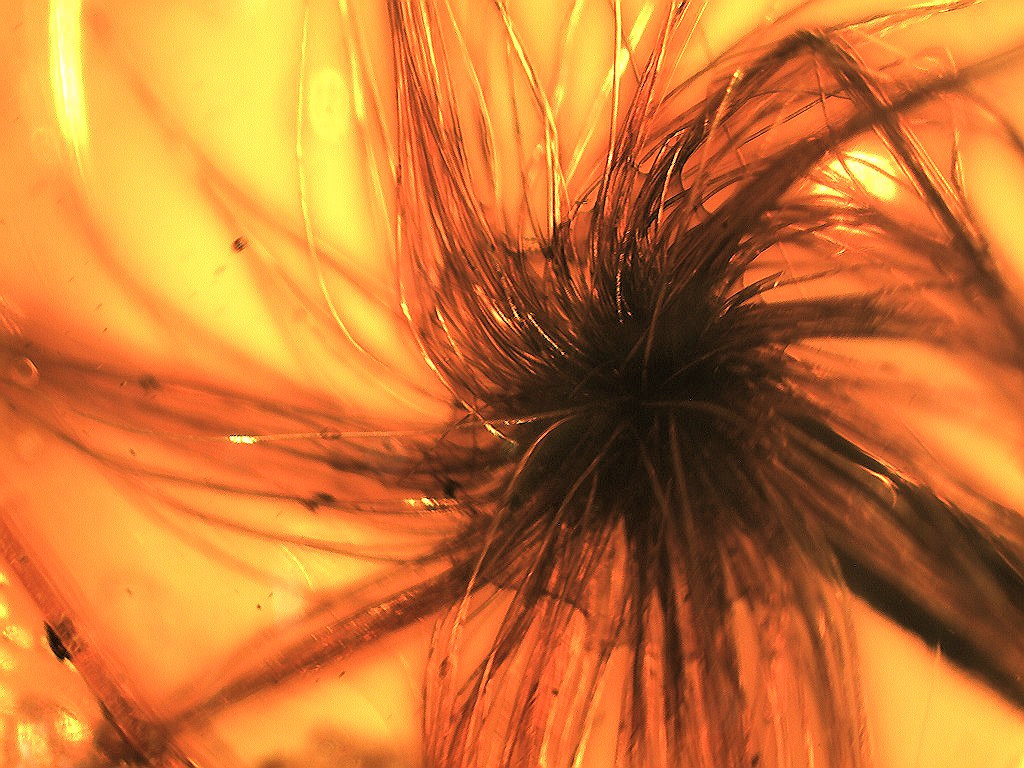
A smallish piece that contains what looks like mammalian hair. Upon a very concentrated observation of this piece, I think it is from a botanical source (fibers) rather than hair. Now I am counting on that since if this was real mammalian hairs, it would be very expensive. It is a good piece and great fun to look at with a magnifier.
CBS Morning (January 2024) show ran an interview with Joarla Caridad about larimar. Featured is Jorela Caridad and Jorge Caridad. Good short video to watch. 
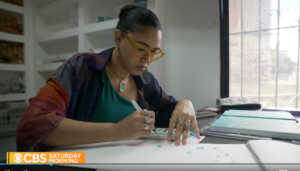
Here is another post that is very interesting about Joarla Caridad
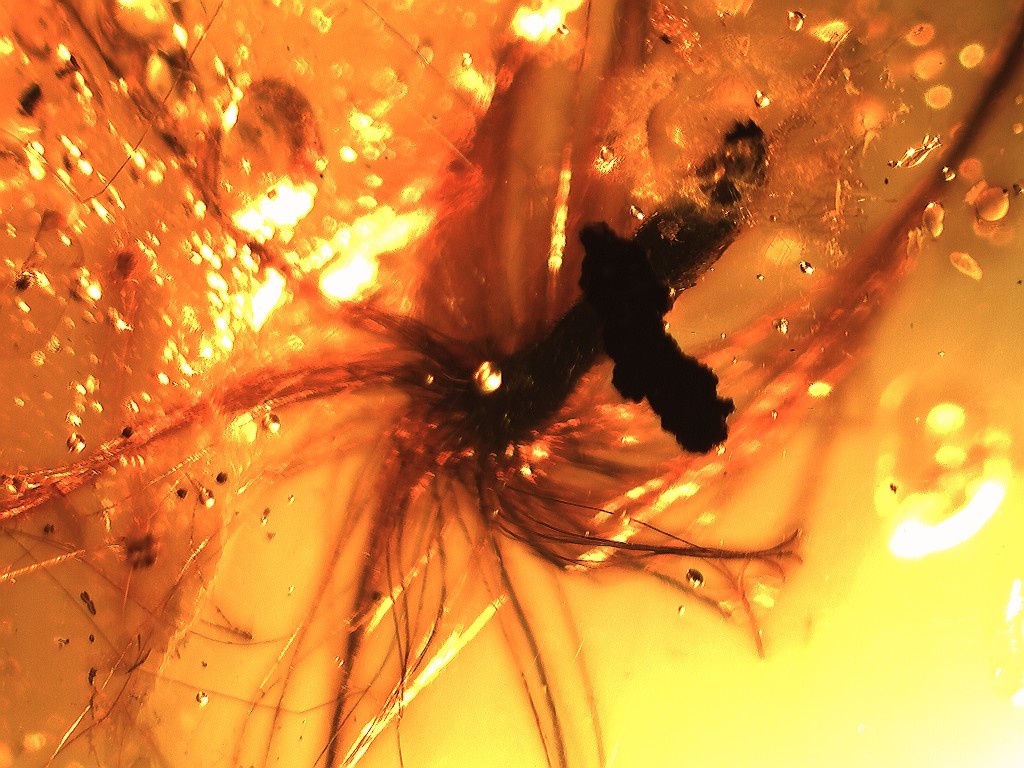
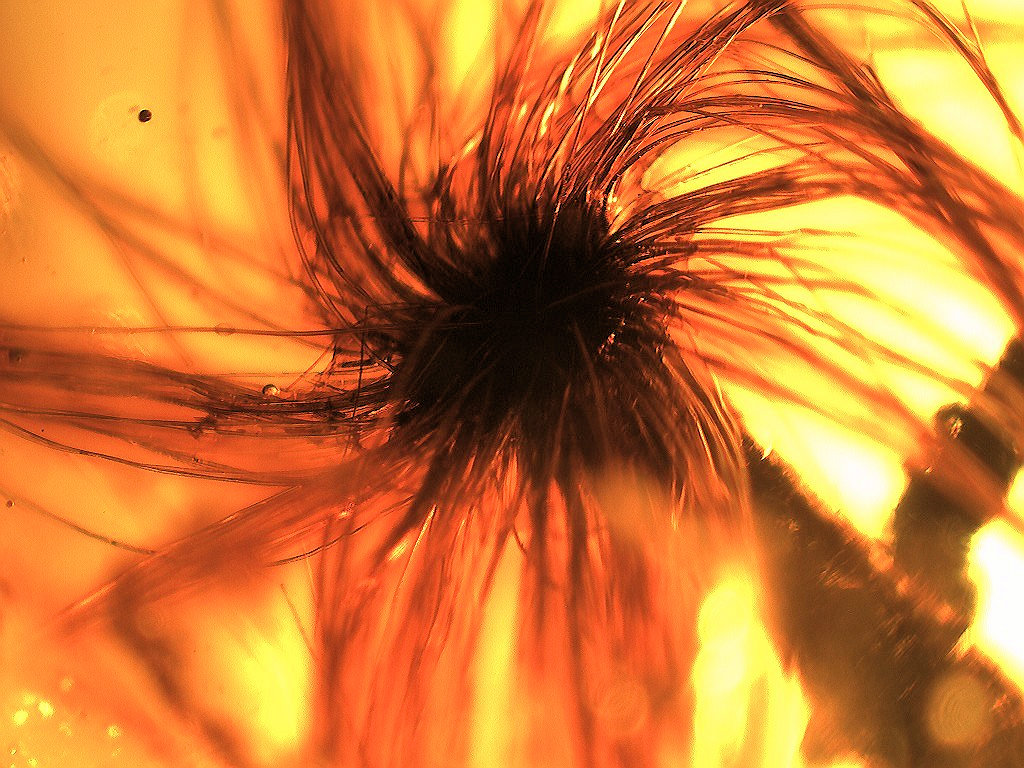
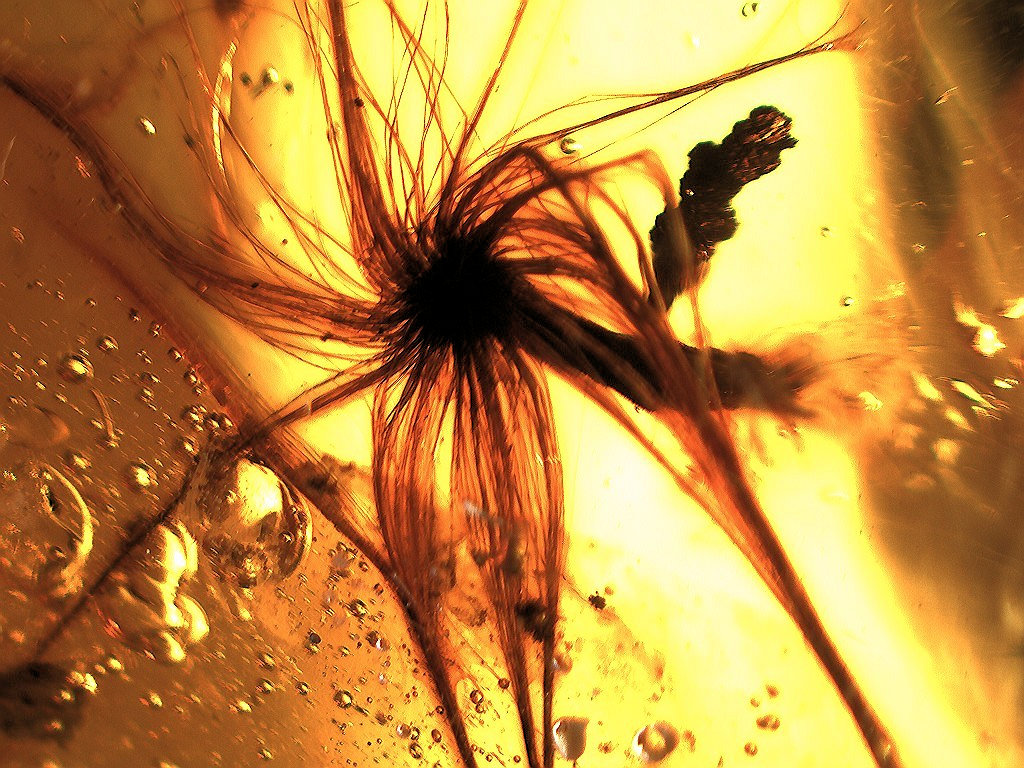
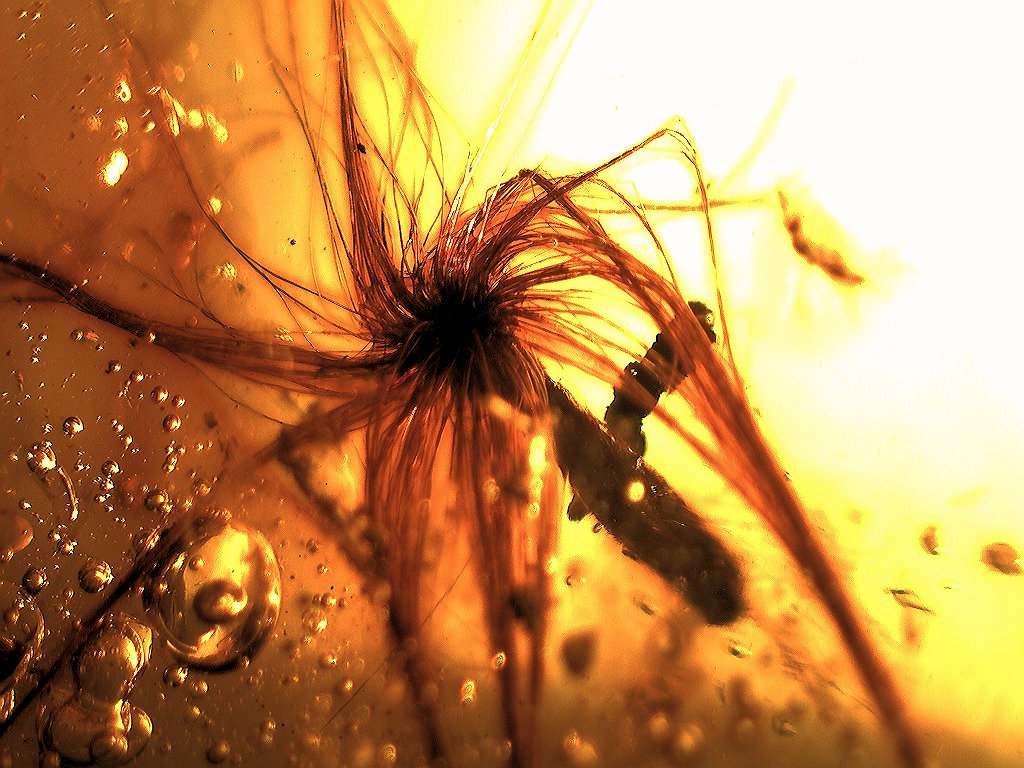
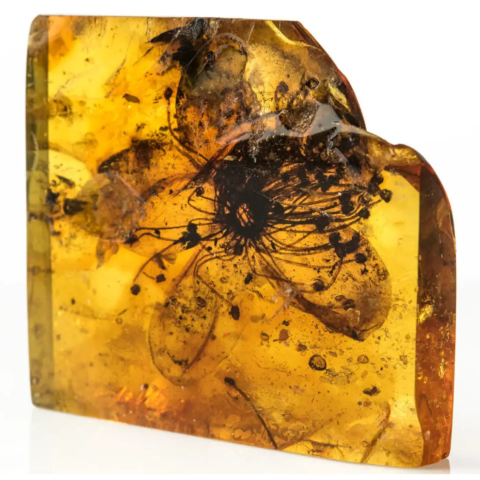
One of the largest flowers I have ever seen. You are talking 1.5 inches from the end of one filament to another. I tried looking this up but could not find anything like it. I have seen (last year) one other similar to this. A true ID I cannot give you. This is a large piece of Chiapas amber, the flower on one side and a winged termite on the other. The amber is clear and quite a specimen.
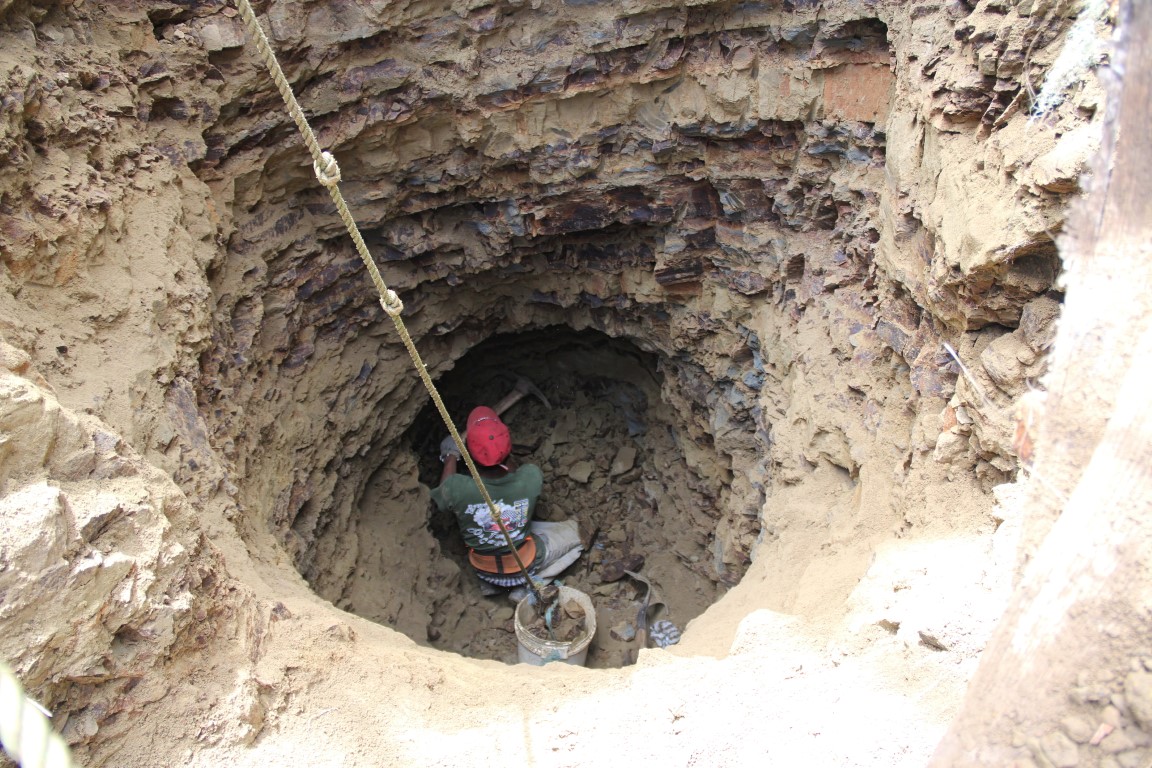
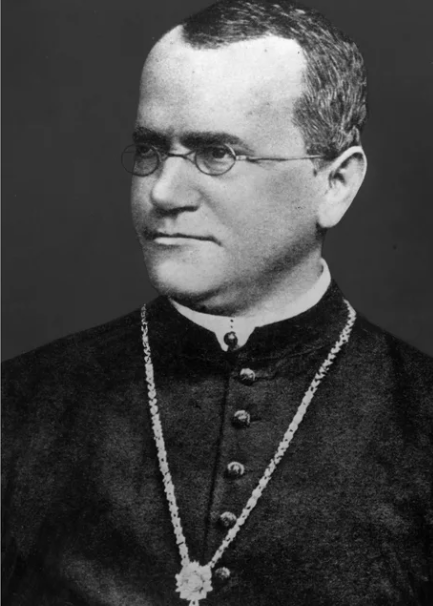
Now this is cool: Scientists have exhumed the body of Gregory Mendell and are using it for DNA studies. Also DNA sequencing!
Jorge Caridad
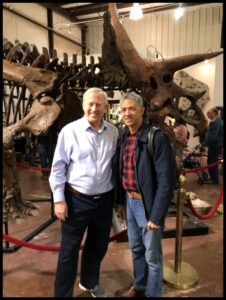
Above: Picture of Doug Lundberg and Jorge Caridad in a fossil shop, Tucson, Arizona. Mr. Caridad is the owner of the Amber World Museum in Santo Domingo, Dominican Republic.

Picture above: Wolfgang Weitschat, Kazimieras Mizgiris and Doug Lundberg
Join the AMBER list:There now is a discussion group devoted to the study of amber. The intent of this discussion is public discourse on amber formation, types, general questions, almost anything that relates to amber. Also encouraged on this discussion group will be questions on jewelry making, and web sites about amber. The discussion group is not moderated. This means that all postings will go through without moderation (no one will censor them.) This is an international group, covering just about any country you can imagine (some of which I have never heard of!) Most people just watch and listen to the discussions that go on. You are encouraged to participate, but certainly do not need to. Click here Join the AMBER list This discussion group was formed and is maintained by Doug Lundberg. His e-mail address is lundberg@ambericawest.com. All questions about the discussion group should be directed to him. Short article in the International Amber Association's magazine "Bursztynisko, the AMBER MAGAZINE" |
Scientific American, February 2020, had a picture showing the land continents with major ‘discoveries’ (page 20). One arrow pointed to Brazil and under that, it said:
“Despite the long dry spells in Brazil’s Caatinga region, scientists found the tree Hymenaea cangaceira drizzles copious nectar from flowers to attract pollinating bats: a full-sized tree can release 240 gallons of the stuff, with 38 distinct scent compounds, over a single dry season.”
Here is the reason for this inclusion on this amber page. Hymenaea is the tree in New Zealand that produces copious amounts of resin that is called ‘kauri gum’. Not sure about this relationship, but if I am a betting person (I am), I would put money that there is a direct relationship between the flowers and resin production.
____________________________________
Article from Science News about "Spider moms have been caring for their young for a long time."
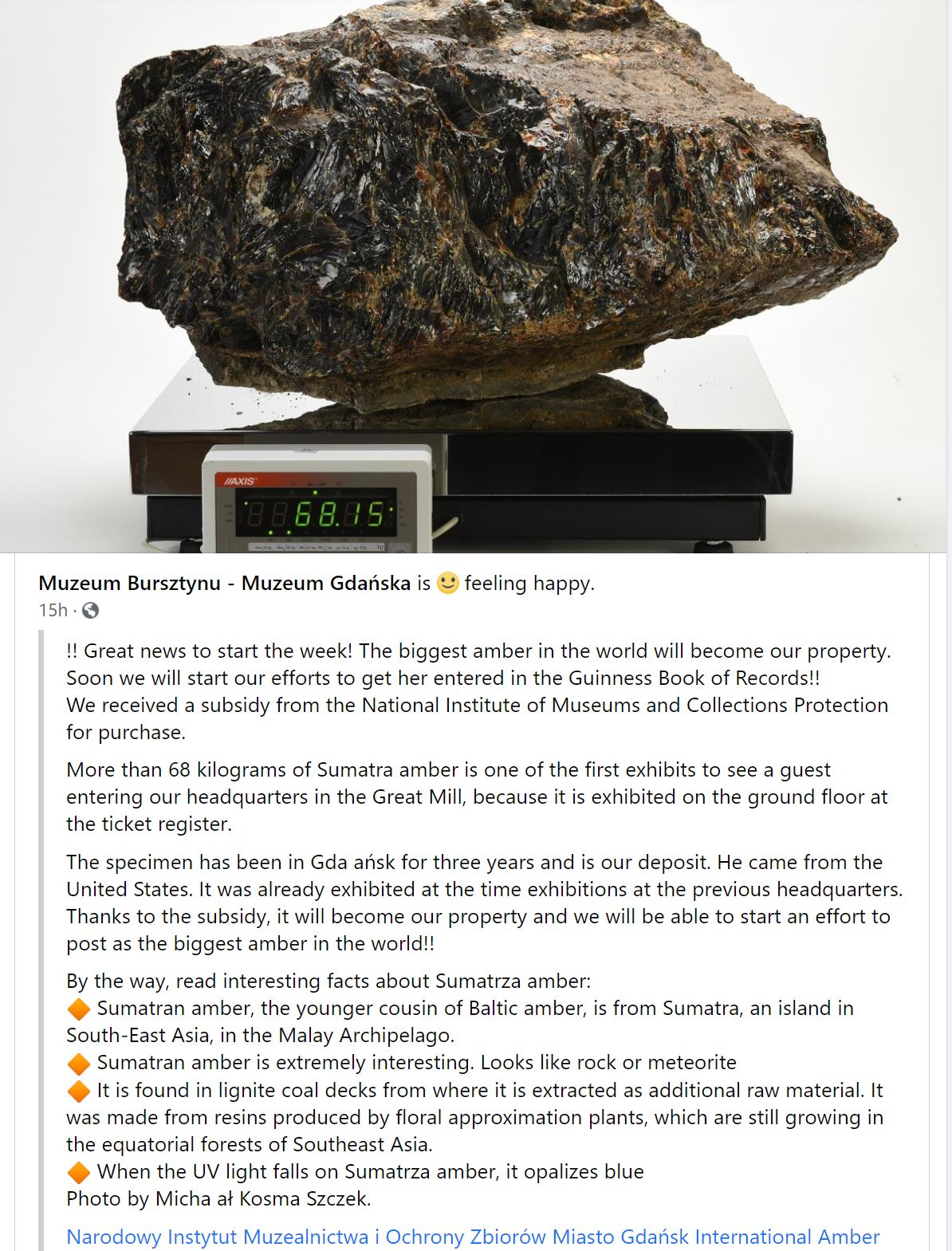
Amberica West just sold the largest piece of amber in the world to the Amber Museum in Poland
(68 Kg - or -150 pounds):
A View from Amberica WestThis is a view of the rocky mountains.
You can see Pikes Peak in the background and the
United States Air Force Academy somewhere near the middle.